 Callbreak
By Timepass King
Callbreak Online & Offline
Bid smart, win tricks with spades as trump and beat three opponents. Play real people online, your friends in a private room, or bots with no internet at all.
Get it free on Google PlayFree to play on Android. Optional in-app purchases.
Three ways to sit down
♠︎Online
Quick matchmaking puts you at a table with real players. If your internet drops, you reconnect to the same table.
♥︎Friends
Create a private room and share its 8-digit code or invite link. Empty seats can be filled with bots.
♣︎Bots
No internet? Practise your bidding against computer players, anytime.
Your table, your rules
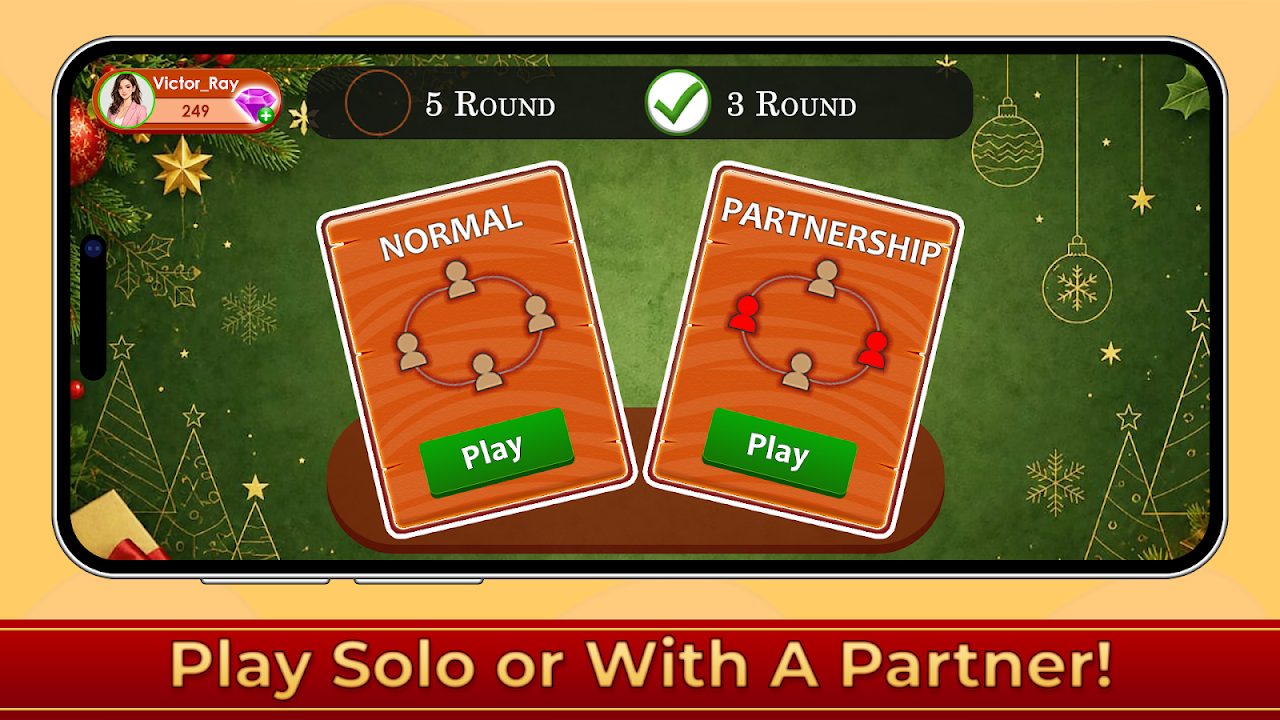
Normal and Partnership
Play for yourself, or team up with the player sitting opposite and combine your tricks.
3 or 5 rounds
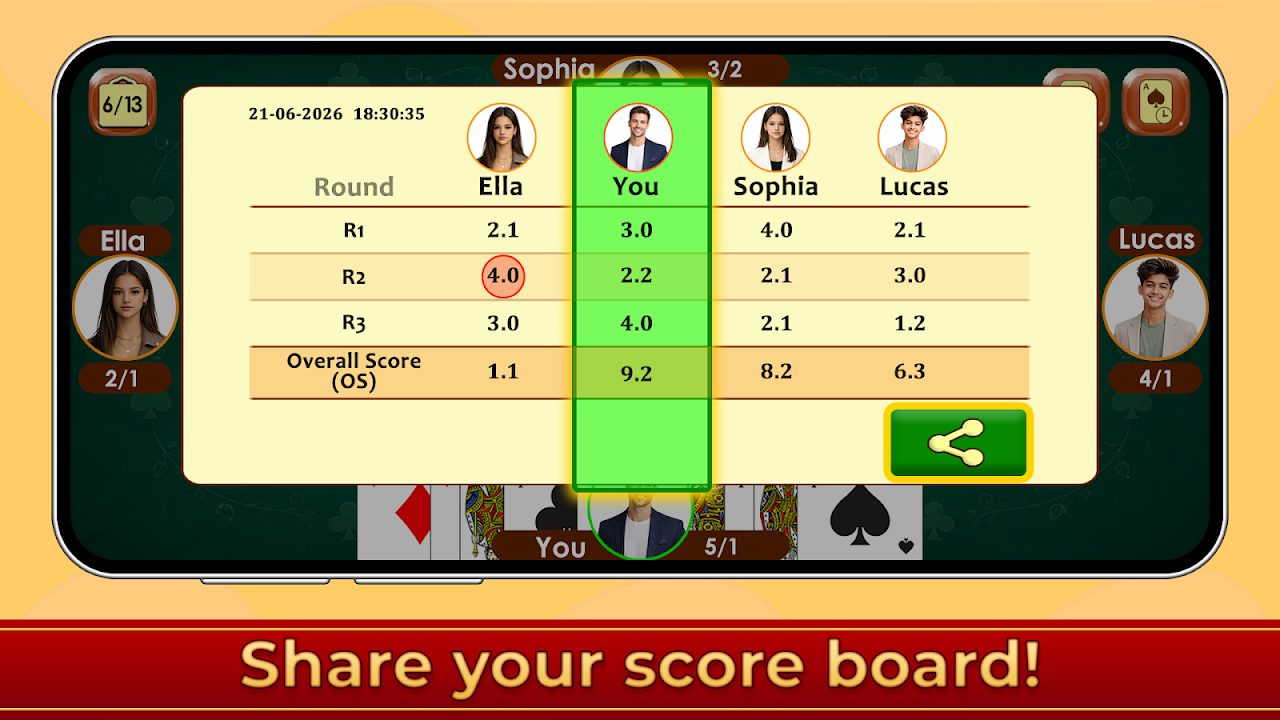
Choose a short game or the classic five rounds, with a score board after every round.
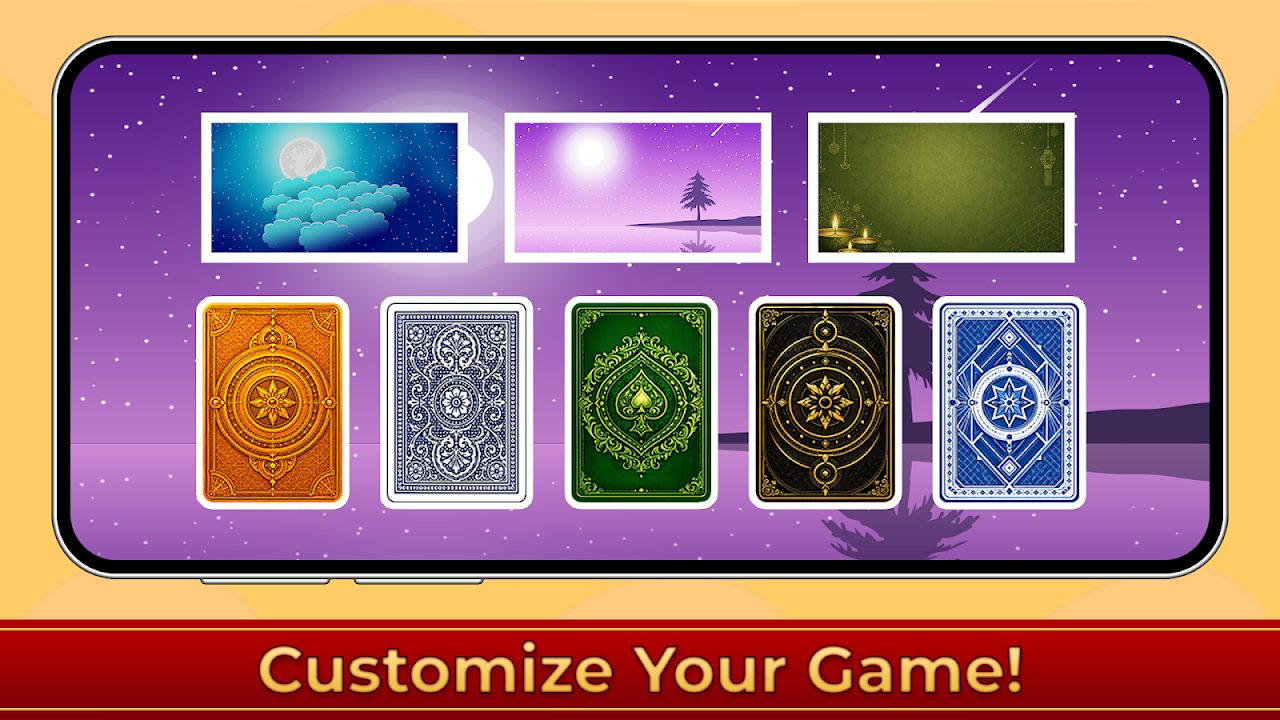
Tables and card backs
Pick the background and card back you like, then share your score board after a win.
14 languages
English, Hindi, Bengali, Marathi, Gujarati, Tamil, Telugu, Kannada, Arabic, Spanish, French, German, Portuguese and Indonesian.
See it in action

How to play
Callbreak, also known as Lakdi or Ghochi, is easy to learn and hard to master.
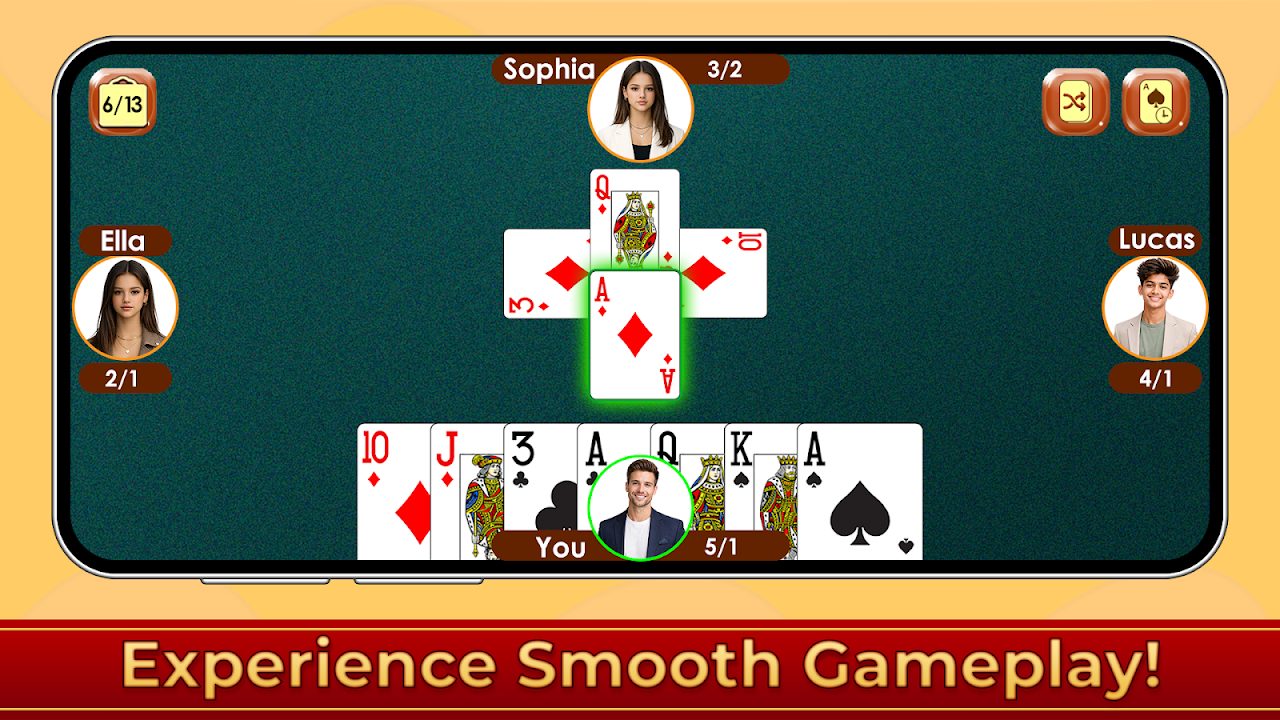
- Deal. Four players, a standard 52-card deck, 13 cards each.
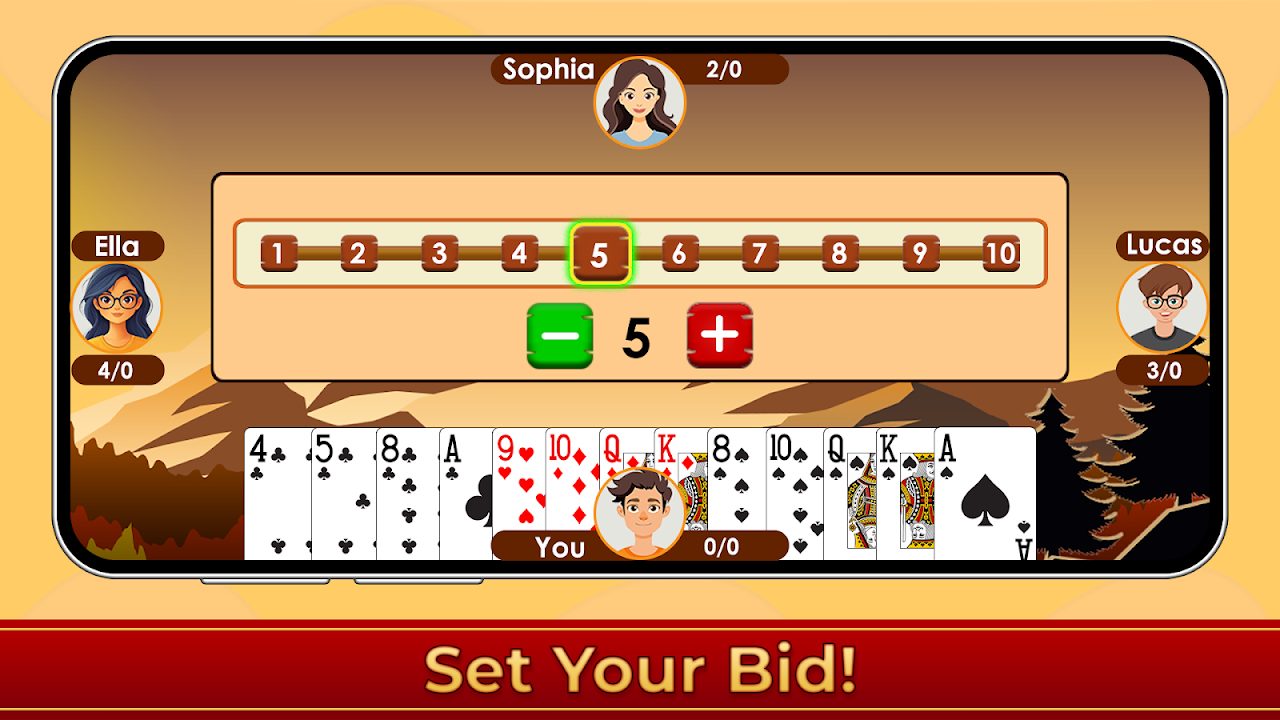
- Bid. Look at your cards and bid how many tricks you expect to win this round.
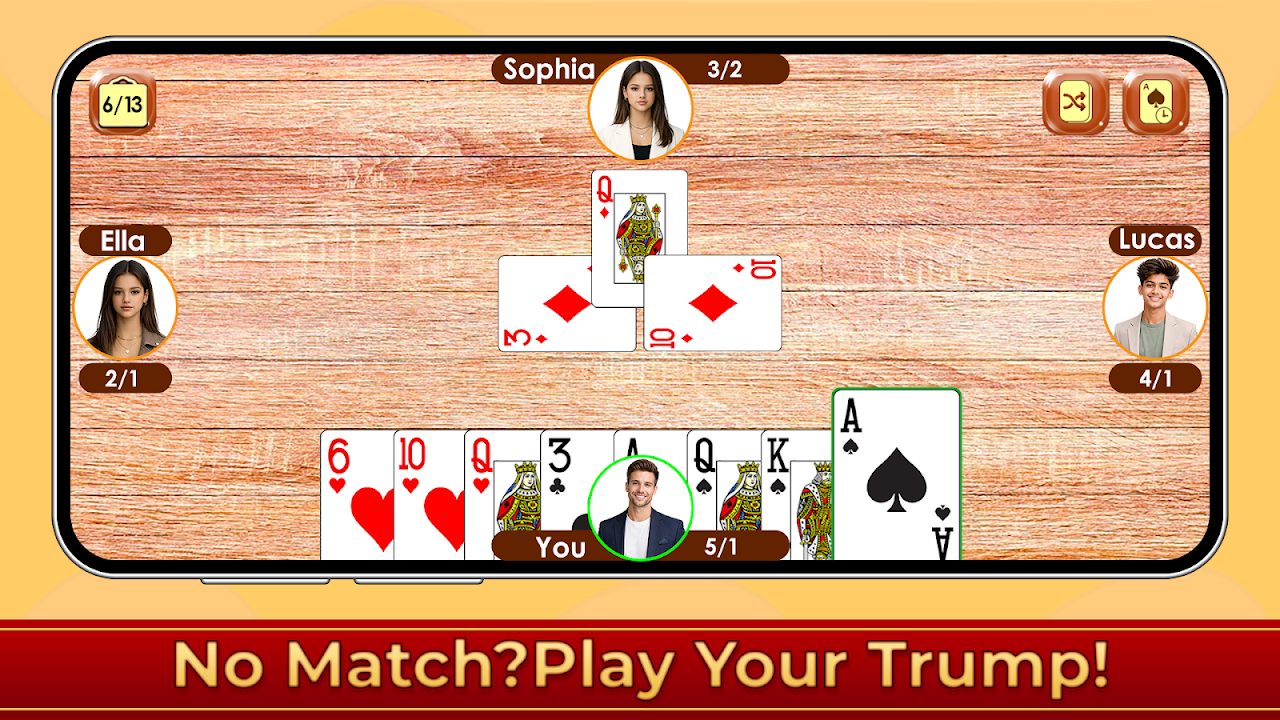
- Follow suit. Play the suit that was led. If you can't, you must play a spade if you have one; otherwise play any card.
- Win the trick. Spades are always trump, so the highest spade wins. With no spade, the highest card of the led suit wins, and the winner leads next.
- Score. Win at least your bid and you score it, plus 0.1 for each extra trick. Win fewer and you lose points equal to your bid.
- Finish. After the last round, the player or team with the highest total wins.
Questions
Is it free?
Yes. It's free to download and play on Android. You can start as a guest or sign in with Google to keep your progress. Optional in-app purchases unlock extras like gems, themes and ad-free play.
How do I play with friends?
Open Friends, tap Create Room and share the 8-digit room code or invite link. Friends tap the link or enter the code under Join Room to sit at your table.
Can I play offline?
Yes. Choose Bots to play against computer opponents without an internet connection. Online and Friends need internet.
What happens if my internet drops?
The game reconnects you to the same table automatically when your connection comes back, and you can rejoin an interrupted game from the menu.
Is there an iPhone version?
Not at the moment. The game is on Android, through Google Play.
How do I contact support?
Email contact@timepassking.com with your device model, Android version and app version, and a screenshot if possible.